Sent a File to the Wrong Person?
Sent a client file to the wrong person? Revoke the link before they download it, document what happened, and prevent it from happening again.
· By ProjectSend Team
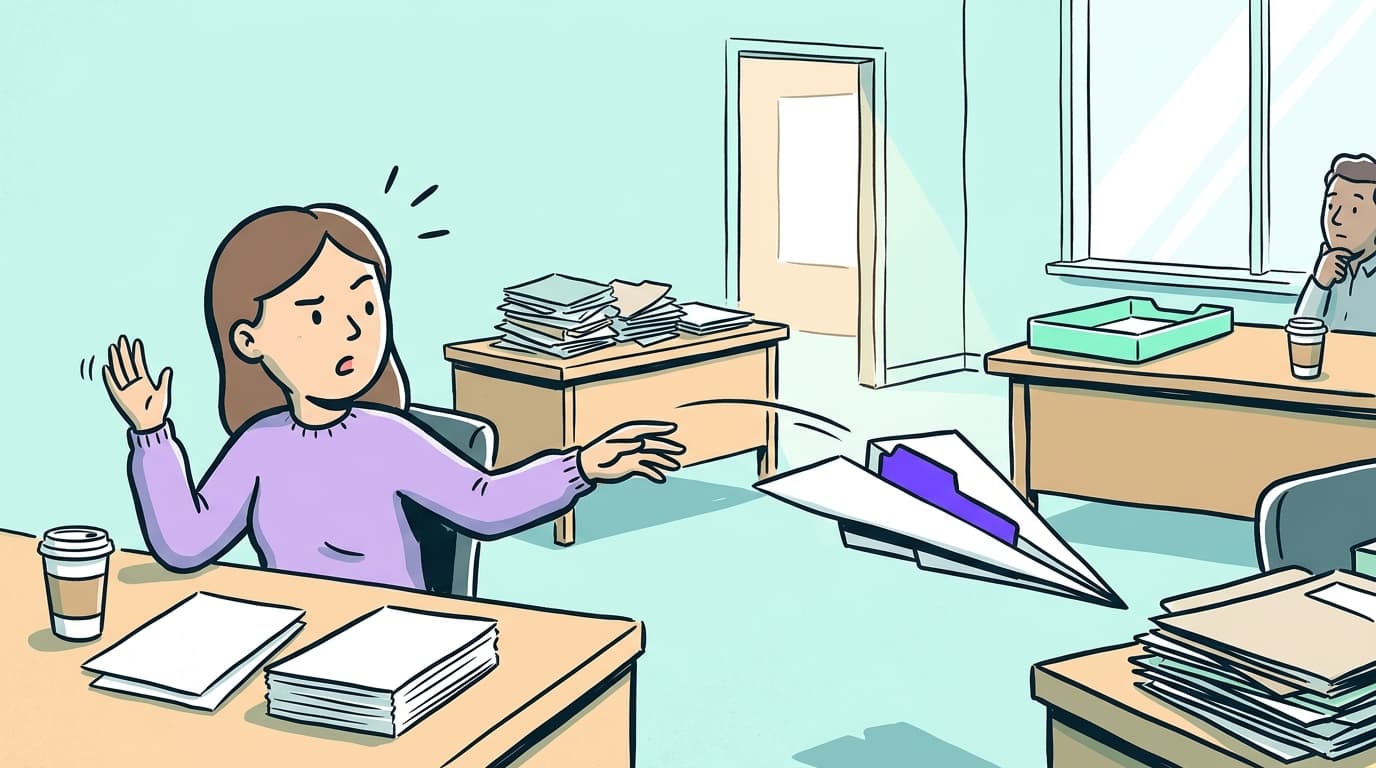
If you sent a confidential file to the wrong person, do not wait. If the file went as a shared link, you can cut off access in seconds before they download it. If it went as an email attachment, the file is already in their inbox. This guide covers both cases: what to do right now and how to stop it from happening again.
Can you get an email back?
No. Once an email is delivered, you cannot recall it. Some email clients offer a recall feature, but it only works if the recipient uses the same mail server and has not opened the message yet. In practice, that window closes in seconds. If the file went as an attachment, your realistic options are to contact the recipient directly and ask them to delete the file, and to document that you made the request.
What to do in the first hour
Work through these steps while the details are fresh.
- If you sent the file as a shared link: revoke it immediately in your portal. The file stays on your server; the link stops working for everyone, including the wrong recipient.
- Write down exactly what happened: the file name, who it was meant for, who actually received it, and the time you sent it.
- If the wrong recipient is someone you can reach - a colleague, another client, or a known contact - call or message them now. Ask them not to open the file and to delete any copies.
- Check your portal's download log. Did the wrong person open the link, and when? Knowing whether the file was actually retrieved changes what you do next.
- Evaluate notification obligations and consult a legal or compliance professional if federal tax information, contract data, or personal data covered by privacy law was involved.
Revoking a shared link: how it works
When you share a file through a client portal like ProjectSend, the file stays on your server. A shared link is just a pointer to it - you control who can follow that pointer from your side. You can deactivate the link, set it to expire immediately, or set the download limit to zero. The moment you revoke access, anyone who clicks the link sees nothing. Contrast this with an email attachment: once delivered, the file lives in the recipient's inbox and you have no way to remove it.
The download log shows every access event: which link was opened, at what time, and whether the file was downloaded. Check this as soon as you notice the mistake. If the file was never downloaded before you revoked the link, the exposure is contained. For a full comparison of what changes when you move from attachments to a portal, see our post on email attachments vs. a client portal.
What to document
Write this down in your own words as soon as possible, while the details are clear.
- The file name and a brief description of what it contained
- The intended recipient and the person who actually received it
- The date and time you sent it
- When you discovered the error and what you did immediately after
- Whether the file was accessed before you revoked the link, and any contact you made with the wrong recipient
For accountants: IRS Publication 4557 (Safeguarding Taxpayer Data) recommends that tax preparers maintain a written information security plan covering how incidents are handled and documented. If federal tax information was involved, having a clear incident record is part of meeting that standard.
Do you need to notify anyone?
Whether you need to notify depends on what was in the file, who received it, and whether they accessed it. A few specific situations:
- Tax preparers and accountants: if the file contained federal tax return information, review your obligations under the IRS Safeguards Program. The program requires a written data security plan that covers how you respond to and report unauthorized disclosures of taxpayer data. Consult your compliance adviser - this is not legal advice.
- Lawyers: your state bar's professional conduct rules govern your confidentiality obligations. Review your bar association's guidance on accidental disclosure of client information. Requirements vary by state; consult your state bar if you are unsure. For a primer on how law firms structure secure document sharing, see our post on how law firms share documents securely.
- Other professionals: if you have a data processing agreement with your client, review it for notification timelines. If the file contained personal data covered by state privacy law, consult legal counsel.
When in doubt, consult a legal or compliance professional. The NIST Computer Security Incident Handling Guide (SP 800-61) is a widely referenced federal standard for structuring a formal incident response process - useful if your firm is building written procedures for the first time.
How to prevent this from happening again
Most accidental disclosures happen because file delivery looks like sending an email: you type an address, attach a file, and send. One mistype or autocomplete error sends a tax return or a contract to the wrong inbox. NIST Special Publication 800-61 (Rev. 2, August 2012) - the federal standard for computer security incident handling - classifies accidental disclosure alongside malware and unauthorized access as a category that organizations need written response procedures for before an incident occurs.
A client portal changes the structure. Each client has their own account and can only see the files you put in their space. There is no recipient address to mistype: you upload to that client's folder, and they log in and download from their own private view. You can also set expiration dates and download limits on individual files - controls that do not exist with email attachments.
For more guides on keeping client files confidential, browse the Security & privacy blog category or visit the security section of our product page to see what ProjectSend Cloud does to protect client data at rest and in transit.
Frequently asked questions
- Can you recall an email attachment after sending?
- No. Once an email is delivered, attachments cannot be reliably recalled. Your only options are to contact the recipient and ask them to delete the file, and to document that you made the request.
- What does the ProjectSend download log show?
- The log records every access event: which shared link was opened, when, and whether the file was downloaded. This tells you whether the wrong recipient actually retrieved the file before you revoked access.
- Do I need to report to the IRS if a client's tax return was sent to the wrong person?
- Tax preparers holding federal tax information are required under the IRS Safeguards Program to maintain a data security plan that covers unauthorized disclosures. Consult your compliance adviser for the specific reporting steps.
- What if the wrong person already downloaded the file?
- Document the incident, contact the recipient and ask them to delete all copies, and consult a legal or compliance professional about notification obligations. For tax data, prompt reporting may be required under the IRS Safeguards Program.
ProjectSend Team. Written by the people who build and maintain ProjectSend, the open source client file portal (since 2011), and run ProjectSend Cloud.
Got a file to send? Start with it.
Drop it on our home page and confirm your email — no account first, no card. On the free plan you get a private link to share it and 2 GB of space, for as long as you need the account.
Or ask Claude or ChatGPT to do it
Connect your assistant to your ProjectSend account and ask in plain words. Everything it does shows up in your account as done by your AI assistant.
- “Save this summary as a PDF and give me a private link for my client.”
- “Did anyone download the contract I shared on Monday?”
- “Create a client account for Dana at Acme and send her the Q3 report.”Pro and Business
Keep reading
- What Is a DPA and Why Clients Ask
A plain-English guide to Data Processing Agreements for small firms: what they are, when clients request one, and what to check before you sign.
- Email Attachments vs. Client Portal
Email covers quick files just fine. Once your documents get sensitive, five things go wrong. A client portal fixes all of them without replacing your inbox.