How Law Firms Share Documents Securely
Small law firms share sensitive documents every working day. Here is how to handle it securely: client portals, audit trails, and no more email chaos.
· Updated · By ProjectSend Team
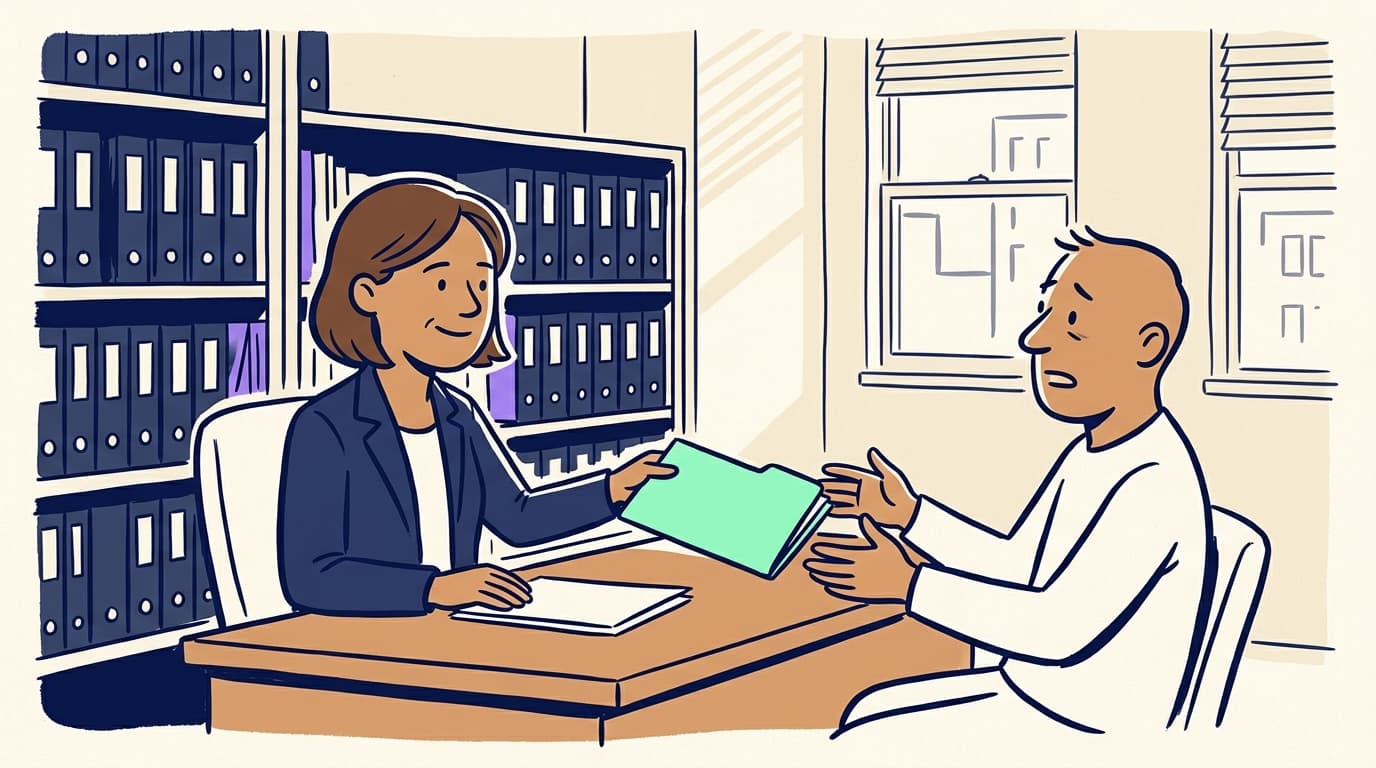
If you have ever sent a client's retainer by email -- only to get a reply-all thread containing the signed copy, two off-topic replies, and one wrong version -- you understand the problem. Small law firms exchange sensitive documents every day: contracts, executed agreements, intake forms, discovery materials. Most of it travels by email. Email is fast and familiar. It was not designed for this.
What Does the ABA Say About Sharing Client Documents?
ABA Model Rule 1.6 requires lawyers to make reasonable efforts to prevent the inadvertent or unauthorized disclosure of client information. ABA Formal Opinion 477R (2017) extended that obligation to electronic communications and made clear that "reasonable efforts" is a context-sensitive standard -- it scales with the sensitivity of what you are sending.
That does not mean email is always wrong. Formal Opinion 477R asks you to consider the nature of the matter, the likely harm from interception or misdirection, your client's instructions, and the available technologies. For routine scheduling, email is fine. For a contract with confidential terms -- or for documents that would embarrass a client if seen by the wrong person -- the standard calls for more.
The rule does not name specific tools. What it asks is that you choose means appropriate to the information. A client portal where each client has their own login and you can pull a log of every download is one clear way to meet that standard for sensitive document exchange. If you are unsure what your state bar requires, consult your bar's ethics hotline or published guidance -- the ABA opinion is a floor, and state rules vary.
If your practice involves financial matters -- estate planning, tax, real estate transactions -- there may be an additional layer. The FTC's Gramm-Leach-Bliley Safeguards Rule covers law firms that qualify as financial institutions under the rule and requires specific safeguards for client financial information. Whether or not it applies to your practice, its framework for protecting sensitive data is a useful checklist.
Where Email Falls Short for Document Exchange
Email feels secure because it is encrypted in transit. For document exchange between a firm and its clients, the real risks are usually not interception -- they are the ordinary things that happen every day:
- Reply-all. A client replies to a thread that happens to include another client's name or file reference. You cannot take it back.
- Attachment limits. Most email servers cap attachments at 25 MB. Large exhibits, deposition transcripts, or multi-page property files get split across chains -- or sent as expiring third-party links that disappear in a week.
- No delivery confirmation. You sent the contract. Did the client open it? Did they download the version you intended? Your inbox does not tell you.
- No per-client isolation. Every client's documents flow into the same inbox. Keeping one client's folder cleanly separate from another's is manual work, and manual work gets missed under deadline pressure.
- Forwarding. A client forwards a file to their spouse, their accountant, or a business partner. You have no record of any of it.
None of these require a sophisticated attacker. They are Tuesday.
What 'Secure' Actually Means for a Small Law Firm
The word gets used loosely. For a small law firm exchanging documents with clients, what matters practically is this:
Encryption in transit and at rest. Files should be encrypted while they move to your server and while they sit there. This is baseline for any tool you consider.
Per-client access controls. Each client should see only their own files. A portal where Client A can view Client B's documents is not a portal -- it is a liability.
An access log. You need to know who downloaded what, and when. NIST and CISA both describe access logging as a foundational security control for systems that handle sensitive data. An exportable log answers the question 'did they receive it?' in a way your inbox never can.
Two-factor authentication. Especially for staff accounts. If a team member's credentials are compromised, 2FA is the last line of defense before client data walks out the door.
The ability to leave. If you switch tools, your client data should come with you -- not disappear behind a subscription wall. Any tool that makes exit difficult is a risk you should price in.
How ProjectSend Cloud Handles Document Sharing for Law Firms
ProjectSend is open-source (GPLv2) file-sharing software with 4.8M+ Docker downloads and 4,000+ active self-hosted instances worldwide. ProjectSend Cloud is the hosted version -- same code, managed infrastructure, no server to maintain. For a small law firm, what it looks like in practice:
- Your own dedicated database. Each firm gets an isolated database -- not a shared cluster. A configuration issue somewhere else in the system does not touch your data.
- Per-client accounts. Every client gets their own login and sees only their files. You grant access when a matter opens; you revoke it when it closes.
- Audit trail exportable to CSV. Every preview and every download, timestamped. You can produce that log if you ever need to show that a document was delivered.
- Enforced 2FA. Available on the Business plan, enforceable by policy across all team accounts.
- Your logo and your domain. The portal presents as your firm's. Your clients see your brand, not a vendor's.
- Your data is always yours. The underlying software is GPLv2 open source. Export everything; run it yourself if you ever want to. The code is open. So is your exit.
There is a Free plan: a personal account on a shared site with 2 GB of storage, a private link for every file (kept for 30 days) and encryption. No credit card and no time limit -- it is a real plan, not a trial, but it has no client accounts. For a firm that needs client logins under its own name, see the Pro and Business plans -- Pro is $19/month for 25 active client accounts.
If you are new to the idea of client portals, our guide to what a client portal is and how it works explains the basics before you pick a tool.
Consult your bar's ethics guidance before choosing any tool for confidential client communications. When you are ready to try a dedicated portal, start free on ProjectSend Cloud -- no credit card required -- or go straight to Pro for client accounts and the full audit trail.
Frequently asked questions
- Does ProjectSend Cloud offer HIPAA compliance or a BAA?
- No. ProjectSend Cloud does not offer a Business Associate Agreement or HIPAA certification at this time. If your matters involve health-related data, consult your bar's guidance and your clients' specific requirements before selecting any file-sharing tool.
- Can my clients upload files to me, or only download?
- Both. Clients can upload documents directly to their account in the portal -- intake forms, signed agreements, supporting materials -- and download anything you have shared with them.
- What happens to my files if I stop using ProjectSend Cloud?
- You can export your data at any time. The underlying software is open source (GPLv2), so you can continue with a self-hosted installation if you choose. There is no lock-in.
- Is there a per-seat fee for adding clients?
- No. Your clients do not pay anything, and you do not pay per client. Pricing is based on active client accounts -- the number of client accounts currently active in your portal.
ProjectSend Team. Written by the people who build and maintain ProjectSend, the open source client file portal (since 2011), and run ProjectSend Cloud.
Got a file to send? Start with it.
Drop it on our home page and confirm your email — no account first, no card. On the free plan you get a private link to share it and 2 GB of space, for as long as you need the account.
Or ask Claude or ChatGPT to do it
Connect your assistant to your ProjectSend account and ask in plain words. Everything it does shows up in your account as done by your AI assistant.
- “Save this summary as a PDF and give me a private link for my client.”
- “Did anyone download the contract I shared on Monday?”
- “Create a client account for Dana at Acme and send her the Q3 report.”Pro and Business
Keep reading
- Client Portal vs. Practice Management
Most small law firms don't need practice management software to fix their file problem. Here's how to tell which tool actually solves your pain.
- Client Portal for Law Firms
Small law firms that still exchange client documents by email are one forwarded attachment away from a breach. Here is what a dedicated client portal changes.